

Appearance
Word Cloud
Word Cloud aggregates a value (metric) for each word (dimension) and visualizes the weight of each word using font size and other visual cues.
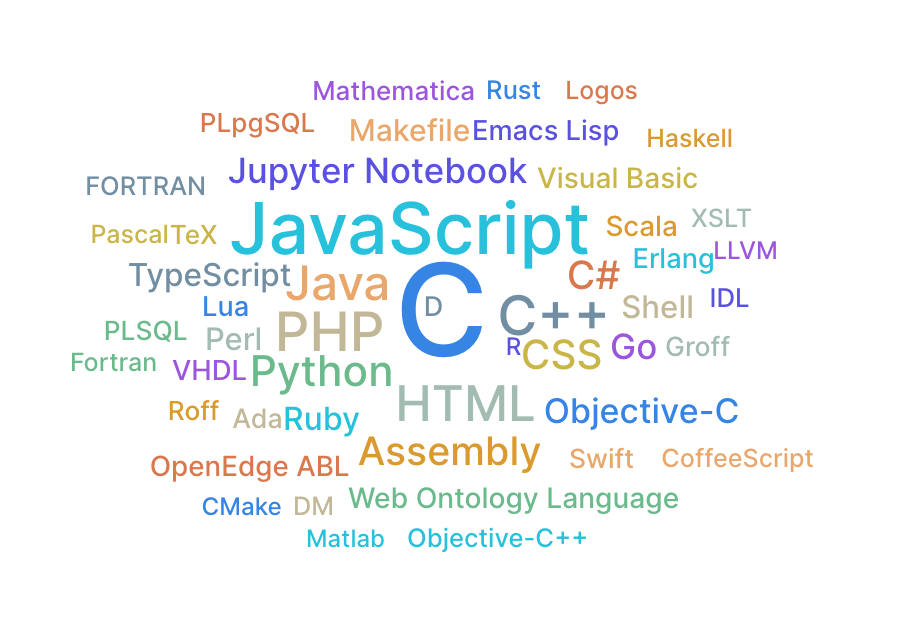

Specification
Aggregation
Word Cloud aggregates a value (metric) for each word (dimension) and displays the result.
| Item | Role | Notes |
|---|---|---|
| Word | Dimension | Each word in the word cloud. |
| Value | Metric | Determines the size of the word. |
Example
- Show content tags as a word cloud.
- Word: tag name.
- Value: number of pieces of content with that tag.
Tips
If some words don't appear
Word Cloud draws words in descending order of value, and words that don't fit in the display area are automatically hidden. As a result, words with small values might not be displayed.
If you have many words and not all of them are shown, adjust advanced settings > Word settings > font size range, word spacing, or the chart's display area.
Enabling Automatically shrink words lets font sizes automatically adjust for words that don't fit in the display area. However, with a large number of words, recalculating font sizes can make the chart feel slow. Because of this, the feature is disabled by default. Be mindful of the word count when enabling it.
Frame
Word Cloud supports the frame feature. See Frame for details.