

Appearance
Frame
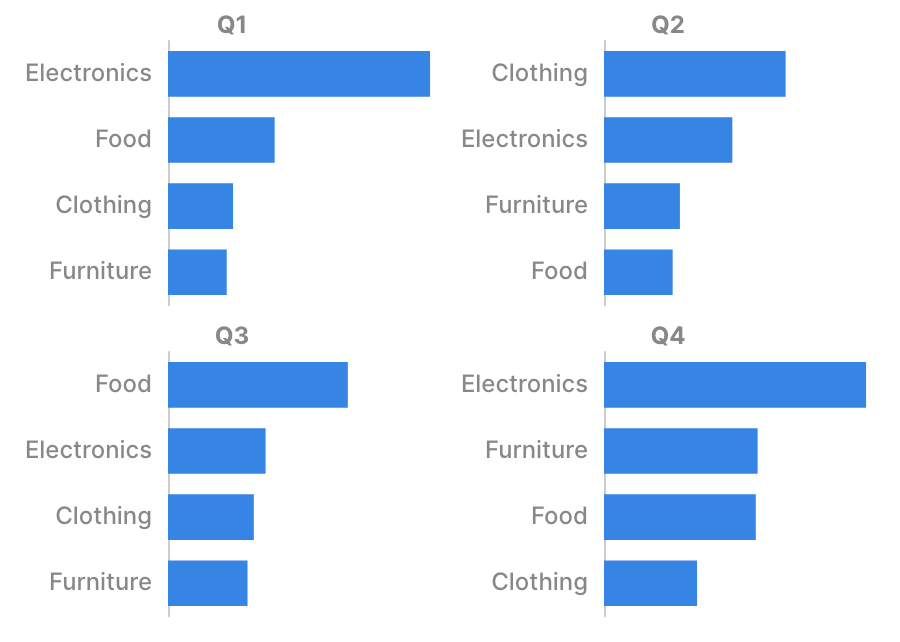
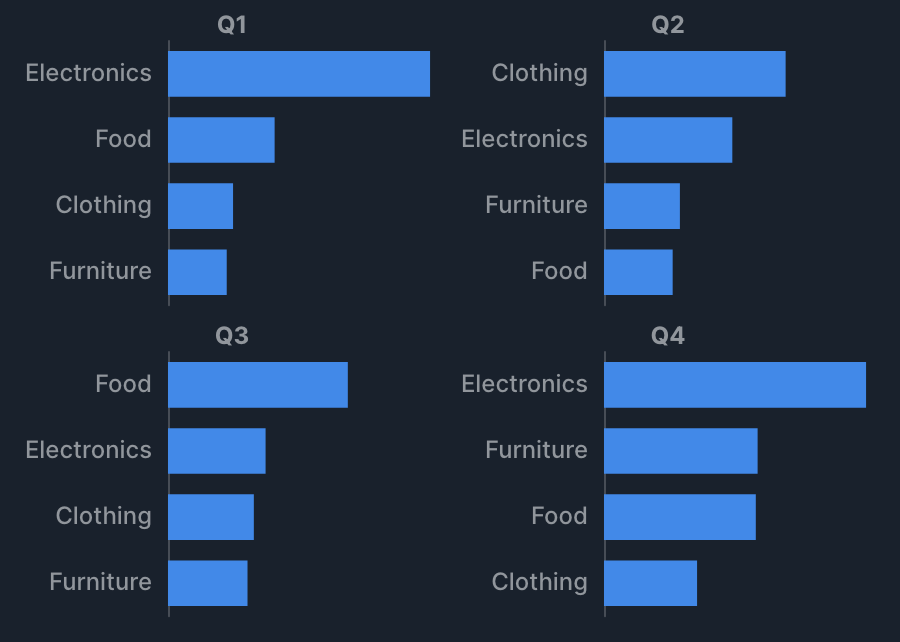
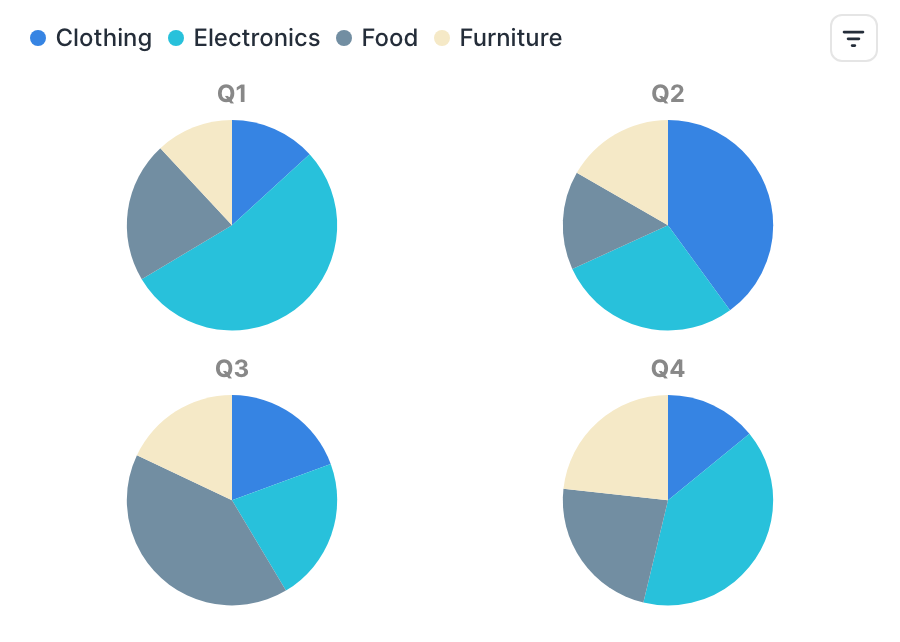
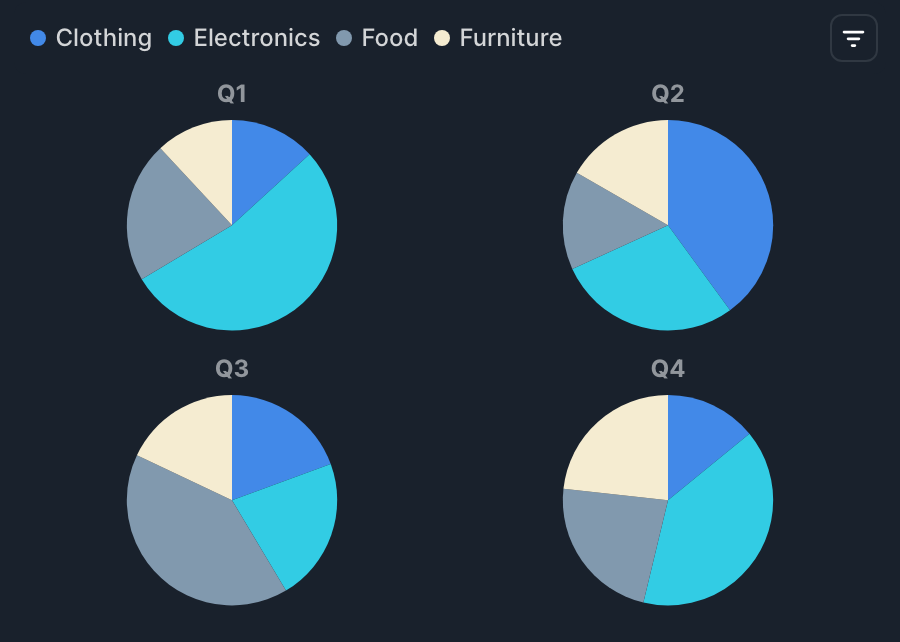
For some charts, specifying a column in Frame under basic settings splits the chart's display by that column's value. Choose Timeline or Grid for Frame layout to control how it's displayed.
The frame feature makes it easier to compare changes over time or across categories. See Filter, sort, and limit for the difference from group by (splitting series within the same chart).
Examples
- Compare a pie chart of sales by category side by side for each gender (set Frame to gender, Frame layout to Grid).
- Switch through a timeline to see the trend of sales by year (set Frame to year).
Scale
To make it easier to compare across frames, the Y-axis range, bubble size scale, heatmap color scale, and so on are shared across all frames by default. You can change this behavior with advanced settings > Frame > Independent scale.
Timeline layout
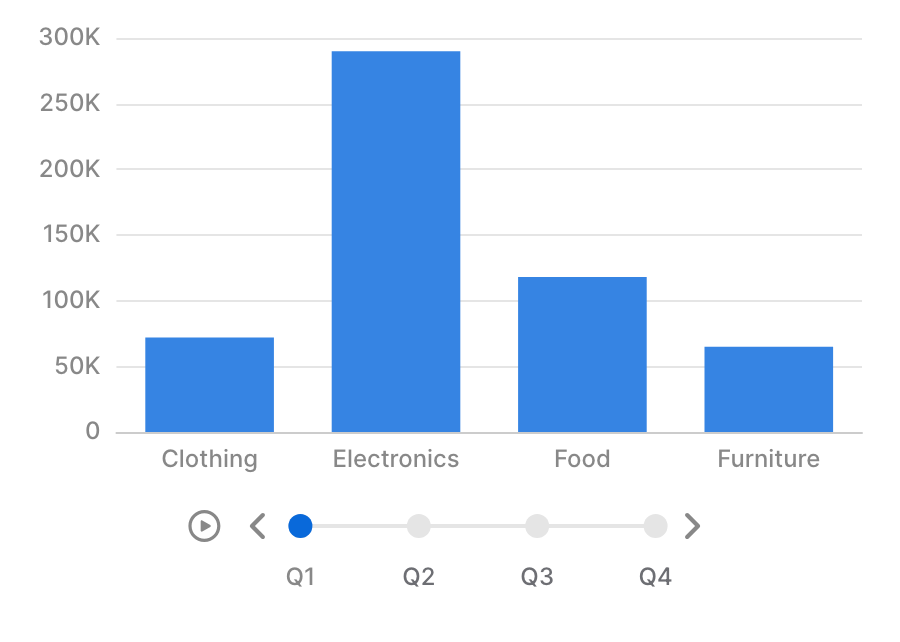
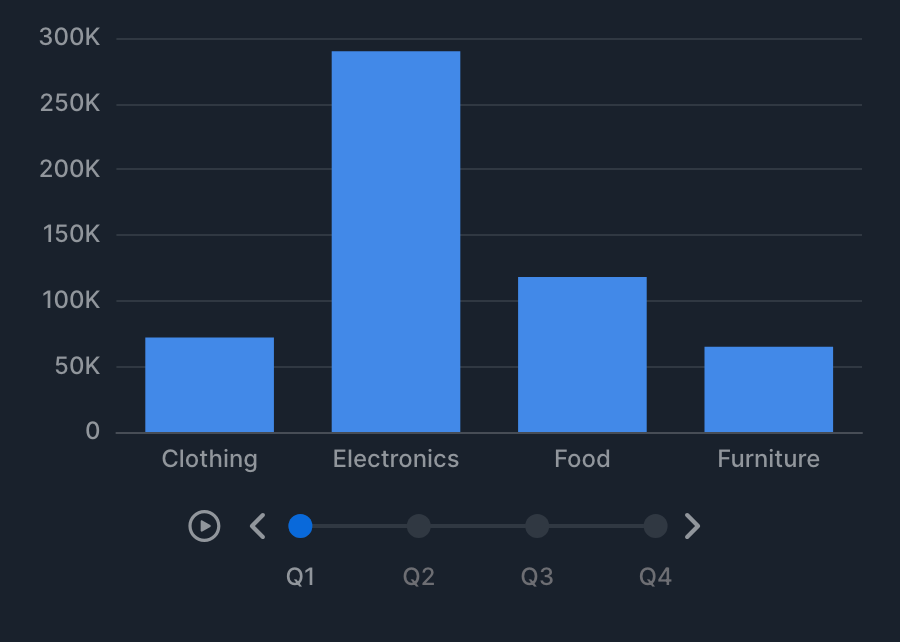
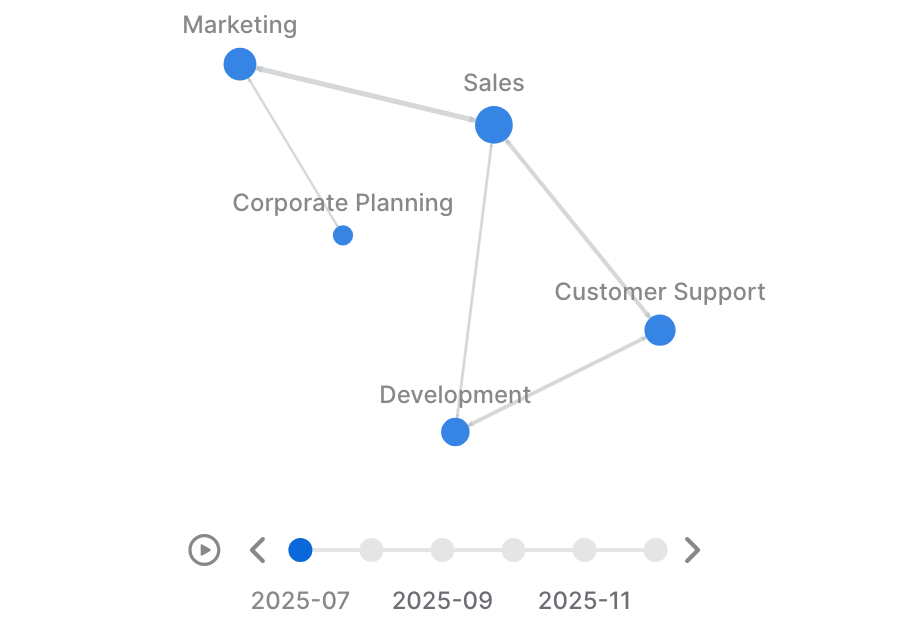
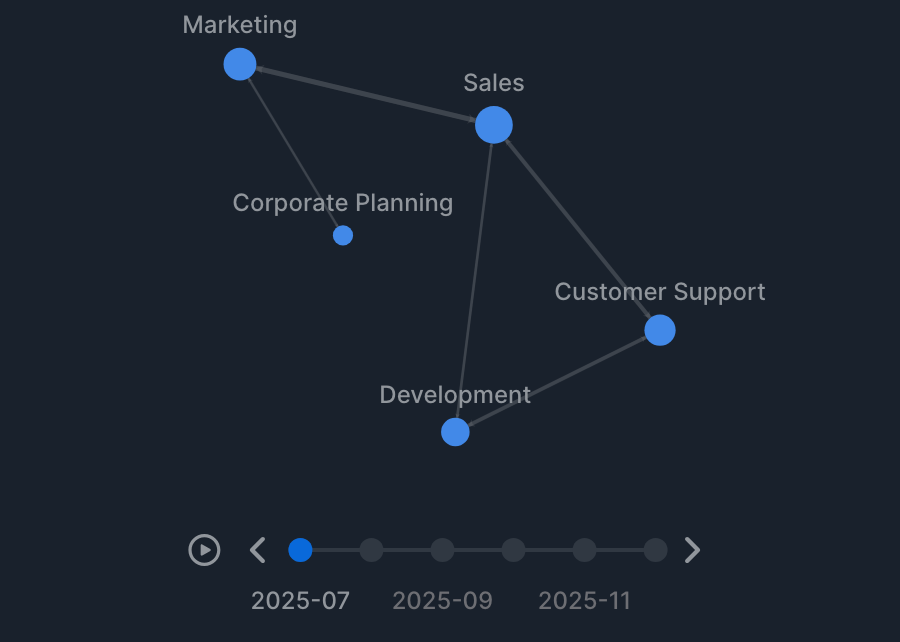
When Frame layout is Timeline (including when unspecified), a frame control appears at the bottom of the chart, letting you switch frames manually or play an animation. Frames are ordered by the ascending value of the column.
Advanced settings > Frame lets you configure the following.
| Item | Description |
|---|---|
| Autoplay | Automatically switches between frames. |
| Play in reverse | Starts from the last frame and plays in reverse order. |
| Play interval (sec) | The display duration of one frame. |
Grid layout
When Frame layout is Grid, all frames are displayed as a grid (up to 16).
The number of columns is adjusted automatically by default, arranging frames as close to a square shape as possible (for example, 3 items → 2 columns × 2 rows, 5 items → 3 columns × 2 rows). You can specify the number of columns in advanced settings > Frame > Columns.
The fixed limit is also documented in Limits.
Supported charts
| Chart | Support |
|---|---|
| XY Chart | Supported. |
| Radial Chart | Supported. |
| XYZ Chart | Supported. |
| Hierarchy Chart | Partially supported (bar chart / drill down isn't supported). |
| Graph Chart | Supported. |
| Funnel Chart | Supported. |
| Waterfall Chart | Supported. |
| Word Cloud | Supported. |